Abra is built on a simple wager: most people can talk about four times faster than they can type. If a transcription model is sitting one keystroke away on your Mac and one tap away on your iPhone, the keyboard becomes the slower option for most short-to-medium writing tasks.
On Mac
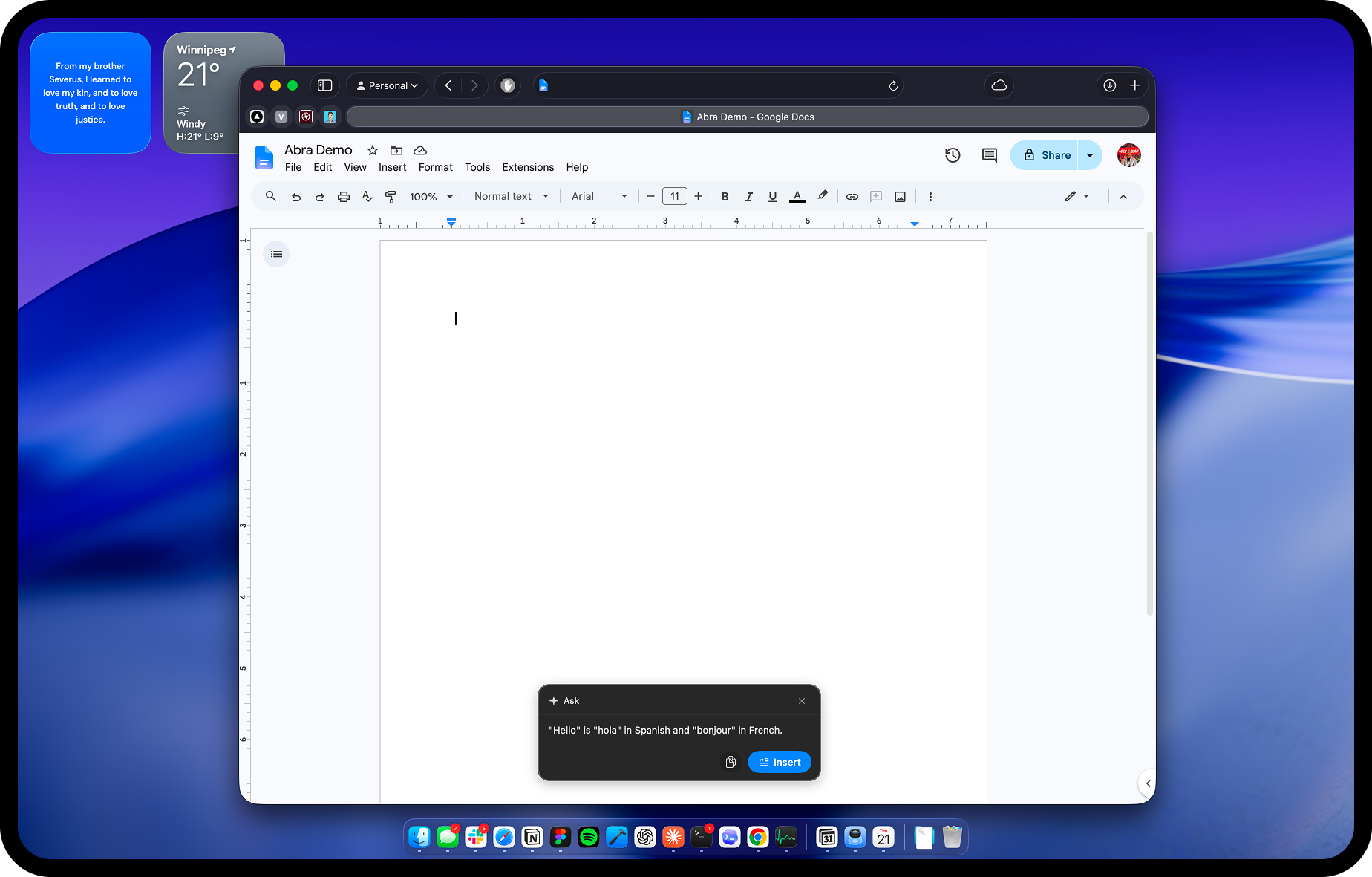
Hold a global hotkey. Speak. Release. The cursor advances as if you had typed the words yourself, in any app that takes text input: a document, a chat thread, an email, a terminal, a URL bar. The shortcut is the same in every app, so the muscle memory is one habit instead of twenty.
On iPhone
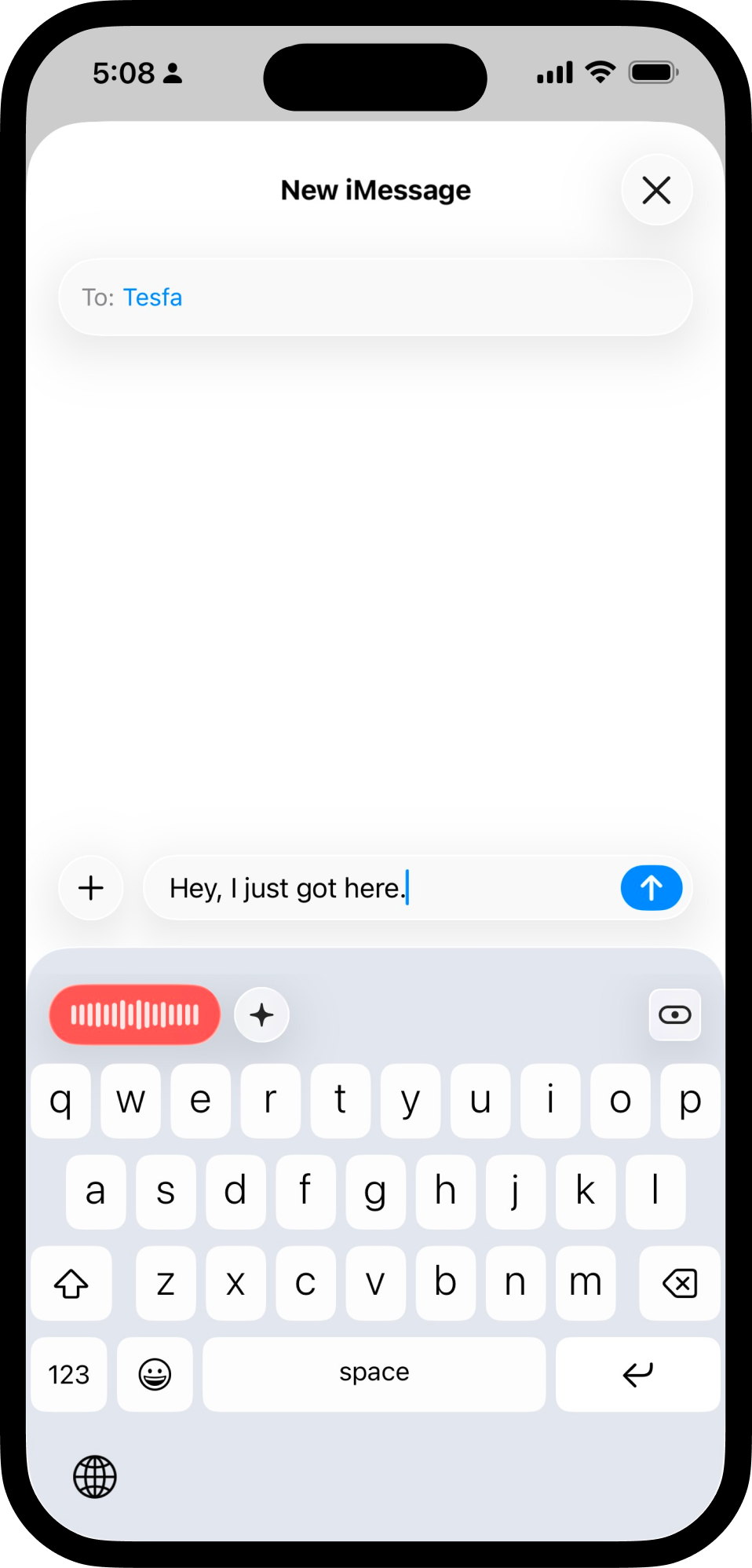
Abra installs as a system keyboard. Tap once, speak, and the same model that runs on your Mac fills the field you were already in. It works in any iOS app that accepts text input, including the ones that ship without their own dictation button.
Actions on what you just said
Beyond dictation, Abra can run quick actions on the text you just produced. Clean up filler words. Translate the sentence into another language. Summarize a long thought down to a single line. Turn a rough message into a polite one. You set up the actions once; after that they sit next to the dictation key, available with the same hand position.
No account required
There is no account to create, no email address to give up, and no sign-in step before you can use Abra. The studio does not have a profile of you because it never asked you for one.
Abra Voice ships in 2026.